
Electric Car Charging Stations Map: The Best 2026 Tools and Tips
Updated September 2, 2026 · 4 min read
Last updated: September 1, 2026
Quick answer: An electric car charging stations map is best found in your car’s built-in navigation or a dedicated app (PlugShare, ChargeHub, A Better Routeplanner) rather than a generic search — those pull live status, connector type, price and real user reports, not just pins on a map. The US public network has grown every quarter for years and covers every interstate corridor; the skill that matters is not finding a station but finding one that is actually working when you arrive.
Key takeaways
- Live-status apps beat static maps — a pin that has been broken for a week still shows up on generic maps.
- Your car’s own navigation increasingly plans charging stops automatically, factoring in real-time occupancy.
- Filter by connector type first (NACS/CCS/CHAdeMO) — a map full of stations you cannot physically plug into is useless.
- Rural coverage still lags corridors; plan margin on routes off the interstate system.
The Best Electric Car Charging Stations Map Tools
| Tool | Strength | Best for |
|---|---|---|
| Your car’s built-in navigation | Live occupancy, automatic trip charging stops, preconditions battery | Daily use and road trips in a supported car |
| PlugShare | Largest crowd-sourced review database, photos, check-ins | Verifying a station actually works before detouring |
| A Better Routeplanner (ABRP) | Trip planning accounting for your specific car’s efficiency and climate | Long road trips, especially in winter |
| ChargeHub / ChargePoint / network apps | Real-time pricing and reservations on their own networks | Members of a specific network |
| Google Maps / Apple Maps | Good general discovery, improving live-status data | Quick lookups, not deep trip planning |
The pattern experienced owners converge on: use the car’s navigation for the actual driving (it knows your battery and adjusts live), and cross-check unfamiliar or rural stops in PlugShare before committing — a five-minute habit that avoids the worst road-trip surprise, a dead or blocked charger with 8% remaining.
Reading a Charging Stations Map Correctly
Pins on any electric car charging stations map hide critical detail unless you filter properly:
- Connector type first. NACS (Tesla’s plug, now the emerging US standard), CCS and the fading CHAdeMO are not interchangeable without an adapter. Filter by what your car actually accepts before evaluating anything else.
- Power level, not just presence. A “charging station” pin might be a 3.7 kW hotel Level 2 post (fine overnight, useless mid-trip) or a 350 kW highway site — the map should distinguish these, and if it doesn’t, treat it as a Level 2 by default.
- Stall count and recent activity. A single-stall site behind a busy restaurant is a worse bet than a 12-stall highway plaza, even at the same advertised power.
- Recent reviews over station age. A site installed in 2019 with five recent 5-star check-ins beats a brand-new site with zero reviews and an unknown reliability track record.
How US Coverage Actually Looks in 2026
The honest geography: interstate corridors are well served — you can drive coast to coast on fast chargers spaced comfortably within range of any modern EV. Coverage thins in three predictable places: rural roads off the interstate system, older downtown cores built before EV parking requirements, and lower-income areas that infrastructure investment has historically reached last. None of this is unique to any one network; it reflects where the money and traffic have been. The trend line is positive every quarter, but travelers off the beaten path should build in margin our full charging stations guide quantifies by network and region.
Planning a Route With Confidence
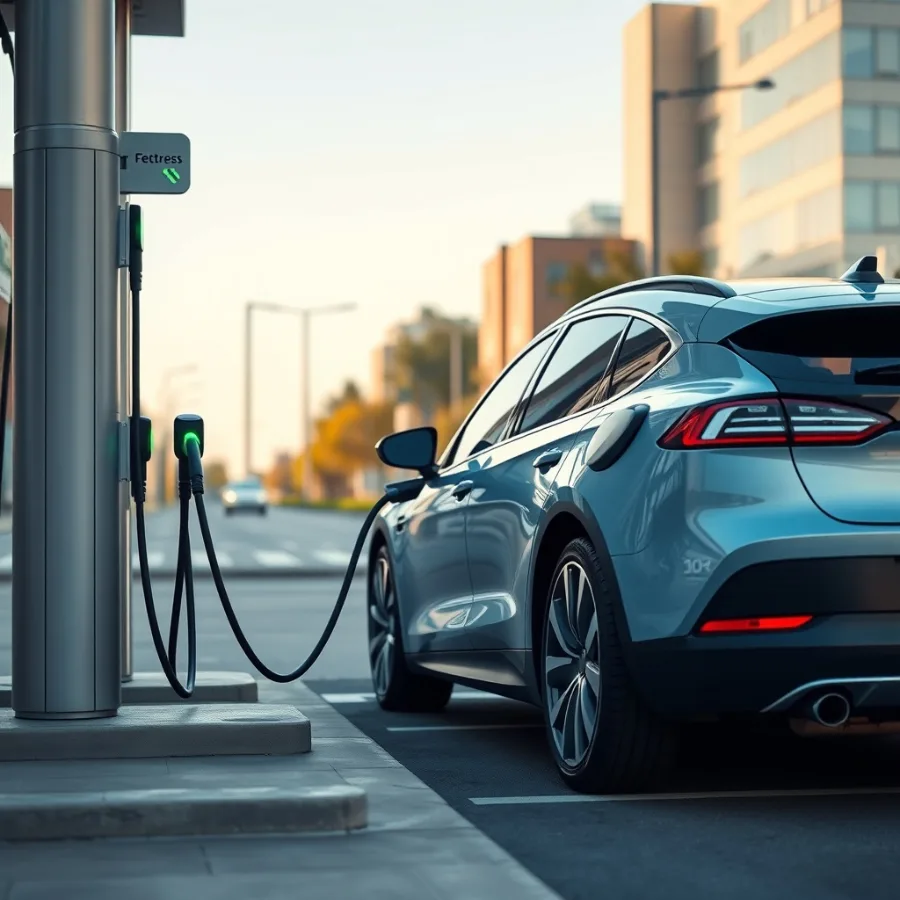
- Let the car plan first. Modern EV navigation calculates charging stops automatically, factoring elevation, weather and your driving style — start there before consulting a third-party electric car charging stations map.
- Cross-check the first unfamiliar stop. One PlugShare glance at the site you have never used catches the “closed for six months” surprise before it costs you range.
- Build a 15–20% arrival buffer, more in winter (see our winter battery guide) or when towing.
- Have a backup app installed before you need it — cell coverage gaps are exactly where a station goes offline too.
Electric Car Charging Stations Map FAQ
What is the best electric car charging stations map to use?
Your car’s built-in navigation for actual trip planning (it knows your battery and adjusts live), with PlugShare as a cross-check for unfamiliar stations. Both beat a generic search map, which shows outdated pins with no live status.
Why does a station show on the map but not work?
Maps often lag real-world status: a broken connector, a network outage or a site closed for maintenance can sit on a static map for weeks. Apps with crowd-sourced check-ins like PlugShare catch this faster than official network maps.
How do I know which connector type I need?
Check your car’s charge port – NACS (the Tesla-style plug, now the US standard for new models), CCS or the fading CHAdeMO. Filter any charging stations map by connector type first; a pin you cannot plug into is not useful.
Is rural EV charging coverage still a problem?
Yes, relatively – interstate corridors are well covered, but rural roads and small towns lag. Plan extra margin on routes off the interstate system and check a live map before committing to a rural detour.
Do charging station maps show pricing?
Increasingly yes – network apps and PlugShare show current per-kWh or per-minute pricing, though it can vary by membership tier. Confirm price in the app before plugging in if cost matters for the trip.
Should I trust my car’s navigation over a third-party app?
For active trip planning, generally yes – it factors your specific battery, efficiency and even weather in real time. Use a third-party app as a second opinion for unfamiliar or rural stops, not as your primary planner.
Related Guides on ZeroCarbonDrive
- EV charging stations guide — the full mega-guide on networks and pricing
- EV range anxiety — the psychology good route planning dissolves
- Electric car charging time — the timing side of trip planning
Sources and Further Reading
Related Posts
Leave a Comment
Your comment will be published after it has been approved. Please send comments that do not contain slang words.